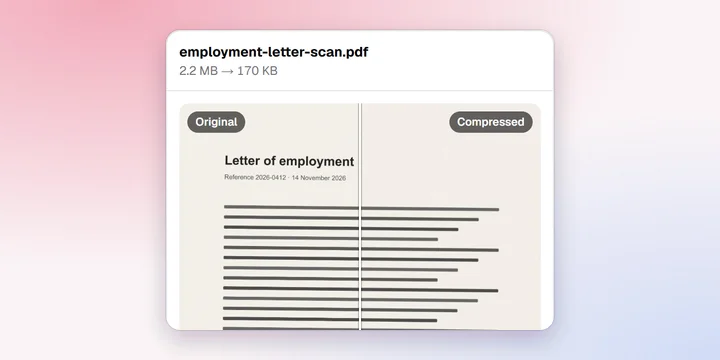
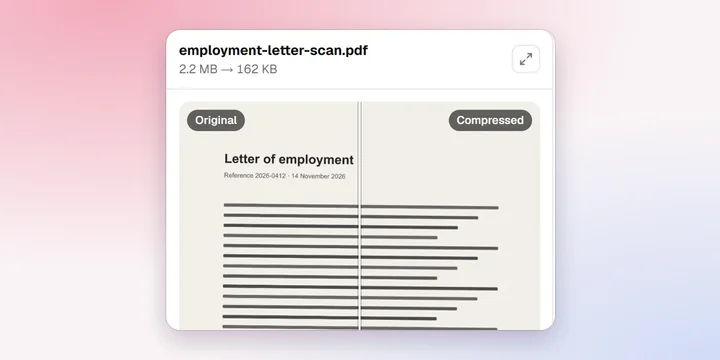
Compress PDF from MB to KB
Your form asks for KB and your PDF is in MB. Type the limit in KB, and each file shows its size in KB before and after, so you can see it fits.
Nothing is uploaded. Your files stay private.
Popular sizes
Opens the tool with the right settings already chosen.
How to compress a PDF
Three steps, about ten seconds.
- 01
Add your PDF
Drop it in the box above, or tap to choose from your phone or computer.
- 02
Pick a target
Choose a size like "Under 200 KB" for portals, or keep the best-quality default.
- 03
Download
Check the new size and save the file. Done.
MB, KB and what your form means
1 MB is 1,024 KB, so a 2.5 MB PDF is about 2,560 KB. A form that asks for "under 500 KB" needs that file about five times smaller, which is normal for a scanned document.
On this page sizes are shown in KB with every digit, for example 2,563 KB → 487 KB, instead of being rounded to MB. Type the exact number from your form into the KB box.
Some websites count 1 KB as 1,000 bytes instead of 1,024. If your file is right at the limit and still rejected, set a target about 3% lower (485 KB for a 500 KB limit).
Frequently asked questions
How many KB is 1 MB?
1,024 KB. Some sites count 1,000 KB, which is why a file right at the limit can still be rejected.
How do I convert a PDF from MB to KB?
Type the KB size your form asks for, then drop the PDF in. Scans and photos inside are re-saved until the file is under that size.
My PDF is 10 MB and the limit is 200 KB. Will it work?
Only for a page or two. Upload just the pages the form needs, or convert the scan to black and white, then compress.
How do I make a PDF smaller?
Drop the PDF in. Quikdo re-saves the pictures inside it at a lower resolution and quality, which is where most of the size is. Pick a target like 200 KB if a portal has a limit.
How do I get a PDF under 200 KB?
Choose the 200 KB target before you drop the file in. Quality is lowered only as far as needed to get under it.
Can I compress a PDF without losing quality?
Typed text and drawings aren't changed, so they stay sharp. Pictures inside the PDF are re-saved, so very small targets make scans look softer. Use the largest target the portal allows.
Guides
Step-by-step help with compress pdf.