Compress PDF to 5 MB
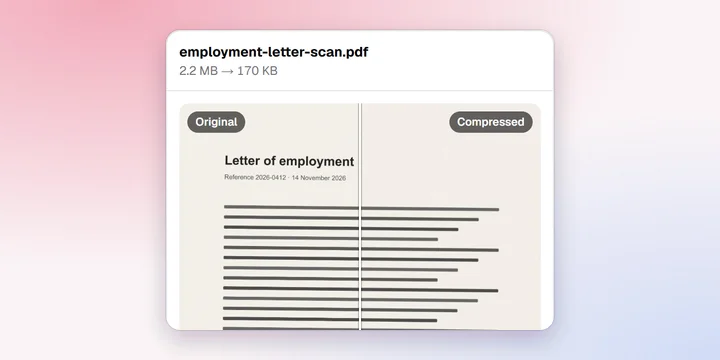
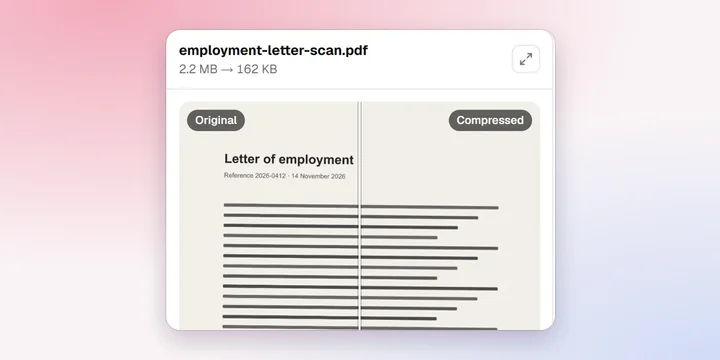
For long scans and photo-heavy reports. Only the largest pictures are re-saved, so the PDF looks the same and gets under 5 MB.
Nothing is uploaded. Your files stay private.
Popular sizes
Opens the tool with the right settings already chosen.
How to compress a PDF
Three steps, about ten seconds.
- 01
Add your PDF
Drop it in the box above, or tap to choose from your phone or computer.
- 02
Pick a target
Choose a size like "Under 200 KB" for portals, or keep the best-quality default.
- 03
Download
Check the new size and save the file. Done.
Big PDFs down to 5 MB
A 5 MB limit is generous, so the files that hit it are usually big ones: a 40-page scan, a brochure full of photos, or a report straight from a phone scanner app. Quikdo opens files up to 100 MB in your browser and starts with the lightest change, re-saving only the pictures that need it.
Typed text and drawings stay exactly as they were, so the PDF reads the same. Photos are kept up to 2,400 pixels on their long side, which is still sharp when printed on A4.
Need 3 MB or 4 MB instead? Type the number in the size box above and keep MB selected. If a file won't get under 5 MB, it's usually a very long colour scan: split it into parts with Split PDF, or convert it to black and white first.
Frequently asked questions
How do I reduce a 20 MB PDF to under 5 MB?
Drop it in with this preset. Scans and photos inside are re-saved until the file fits, usually without a visible change at 5 MB.
Can I compress to 3 MB or 4 MB?
Yes. Type 3 or 4 in the size box above the drop area, with MB selected next to it.
Does it work on a phone with a big file?
Yes, though very large files take longer on a phone. Close other apps if the browser runs short of memory.
How do I make a PDF smaller?
Drop the PDF in. Quikdo re-saves the pictures inside it at a lower resolution and quality, which is where most of the size is. Pick a target like 200 KB if a portal has a limit.
How do I get a PDF under 200 KB?
Choose the 200 KB target before you drop the file in. Quality is lowered only as far as needed to get under it.
How do I convert a PDF from MB to KB?
Set a target in KB, such as 500 KB or 200 KB, and compress. A 3 MB scan often ends up a few hundred kilobytes.
Guides
Step-by-step help with compress pdf.