Compress PDF to 400 KB
A 400 KB limit has room for a few clear scanned pages. Quikdo keeps the sharpest quality that still gets under it.
Nothing is uploaded. Your files stay private.
Popular sizes
Opens the tool with the right settings already chosen.
How to compress a PDF
Three steps, about ten seconds.
- 01
Add your PDF
Drop it in the box above, or tap to choose from your phone or computer.
- 02
Pick a target
Choose a size like "Under 200 KB" for portals, or keep the best-quality default.
- 03
Download
Check the new size and save the file. Done.
What fits in 400 KB
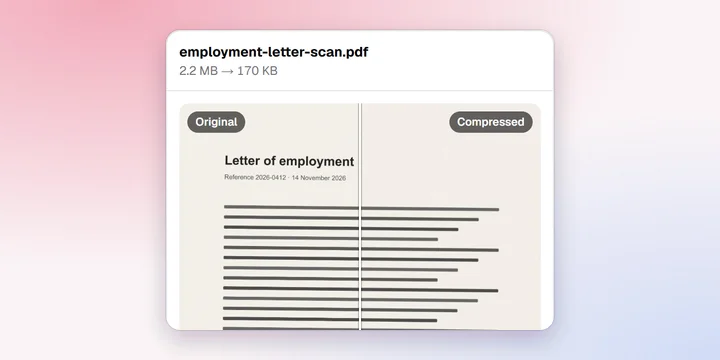
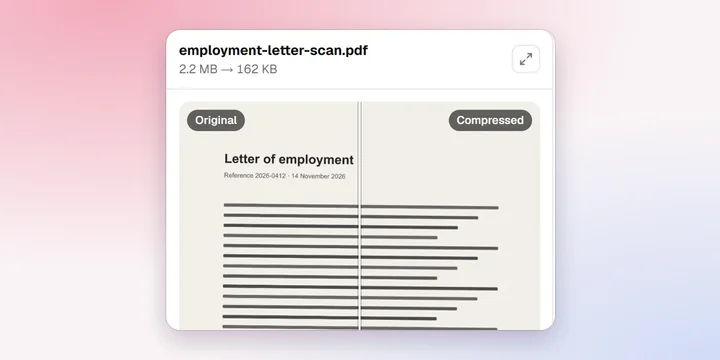
Most of a PDF's size is the scanned pages and photos inside it. Quikdo re-saves those at the sharpest setting first and steps down only until the whole file is under 400 KB. Typed text, links and the layout aren't changed.
Two to four scanned A4 pages usually fit and stay easy to read. Longer colour scans need lower quality, so zoom in on the before and after view before you submit.
Still too big? Remove pages the form didn't ask for with Organise pages, or turn a colour scan black and white with Grayscale PDF, then compress again.
Frequently asked questions
How many pages fit in 400 KB?
Two to four scanned pages usually fit with readable text. A PDF made from Word or Google Docs can have dozens of pages in 400 KB, because it has no scanned images.
My file says 400 KB but the form still rejects it. Why?
Quikdo counts 1 KB as 1,024 bytes. Some forms count 1,000, so their limit is a little smaller. Type 390 KB in the size box and compress again.
How do I make a PDF smaller?
Drop the PDF in. Quikdo re-saves the pictures inside it at a lower resolution and quality, which is where most of the size is. Pick a target like 200 KB if a portal has a limit.
How do I get a PDF under 200 KB?
Choose the 200 KB target before you drop the file in. Quality is lowered only as far as needed to get under it.
How do I convert a PDF from MB to KB?
Set a target in KB, such as 500 KB or 200 KB, and compress. A 3 MB scan often ends up a few hundred kilobytes.
Guides
Step-by-step help with compress pdf.