PAN card photo and signature resizer
Online PAN applications through Protean (NSDL) ask for a small photo and signature scan. Pick which one you're uploading and download a file that fits.
Nothing is uploaded. Your files stay private.
Popular uses
Opens the tool with the right settings already chosen.
How to resize an image
Three steps, about ten seconds.
- 01
Add your image
Drop a JPG, PNG or WebP file in the box, or tap to choose one.
- 02
Set the size
Type a width and height in pixels, choose a file size limit, or both.
- 03
Download
Check the new dimensions and file size, then save the image.
PAN photo and signature sizes
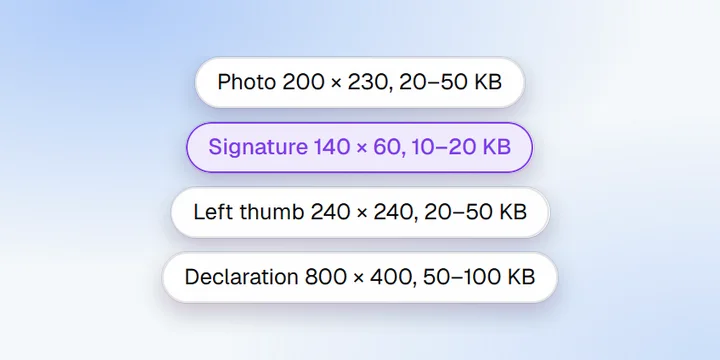
From Protean's (formerly NSDL) online PAN instructions, checked on 17 Nov 2026: photo 3.5 × 2.5 cm and signature 2 × 4.5 cm, both scanned at 200 DPI in colour, JPEG, photo up to 20 KB and signature up to 10 KB. At 200 DPI that's 197 × 276 pixels for the photo and 354 × 157 for the signature.
UTIITSL, the other PAN agency, can show different limits on its own form. If the form you're filling in gives other numbers, type them into the width, height and size fields instead.
Use a recent colour photo on a plain light background, and sign in dark ink on white paper.
Frequently asked questions
What is the PAN card photo size in pixels?
3.5 × 2.5 cm at 200 DPI, which is 197 × 276 pixels, under 20 KB, for Protean (NSDL) applications.
What is the PAN signature size?
2 × 4.5 cm at 200 DPI (354 × 157 pixels), under 10 KB.
How do I resize a photo to 20 KB?
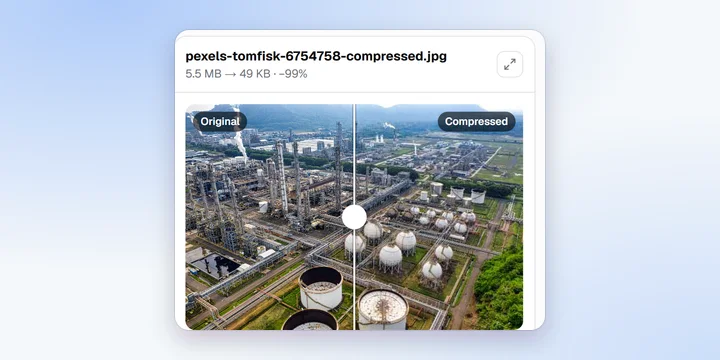
Choose 20 KB as the target size. The photo is saved at the best quality that fits, and scaled down if it has to be.
How do I resize an image to 50 KB?
Choose 50 KB as the target, and add a width and height too if your form asks for exact pixels.
Can I resize an image without losing quality?
Making a photo smaller in pixels keeps it sharp. A KB target may lower quality a little to fit, and making a small photo bigger can't add detail.
Guides
Step-by-step help with resize image.