Convert BMP to PDF
BMP files are huge because nothing in them is compressed. In the PDF they're stored as JPG, so the file ends up far smaller.
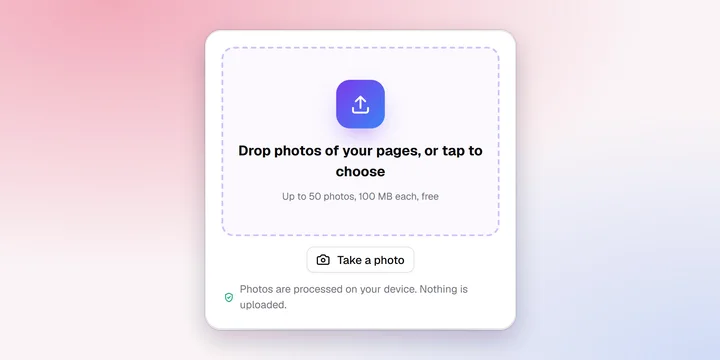
Nothing is uploaded. Your files stay private.
Popular conversions
Opens the tool with the right settings already chosen.
How to convert images to PDF
Three steps, about ten seconds.
- 01
Add your images
Drop up to 100 photos or scans, or tap to choose them.
- 02
Set the order
Use the arrows to reorder, then pick the page size and margin.
- 03
Create the PDF
Press Create PDF and save your file.
Why the PDF is so much smaller
A full-HD BMP is about 6 MB, because it stores every pixel as it is. Inside the PDF the picture is saved as high-quality JPG, so a page usually takes a few hundred kilobytes.
Drawings and diagrams from Paint can show faint smudges around sharp lines as JPG. Choose Sharp text (lossless) under Images to keep them pixel-exact.
Frequently asked questions
Will the PDF look the same as the BMP?
Photos look the same. For sharp drawings or text, choose Sharp text (lossless) under Images.
How do I convert JPG to PDF?
Drop your JPG photos in, put them in order and press Create PDF.
How do I put several photos into one PDF?
Add all the photos at once, drag them into order, and press Create PDF. Each photo becomes one page.
Can I convert iPhone photos (HEIC) to PDF?
Yes. Drop HEIC photos in directly; there's no need to convert them first.